Install With Confidence
Choose Lightweight Panel or Full Mode, then follow the recommended login and verification steps.
Operate CPA / CLIProxyAPI, persist requests, analyze cost, and manage Codex, Claude, and xAI quota and account health.
Choose the right mode, then complete installation, login, and the first verification.
Handle providers, OAuth, Accounts, and client setup for daily use.
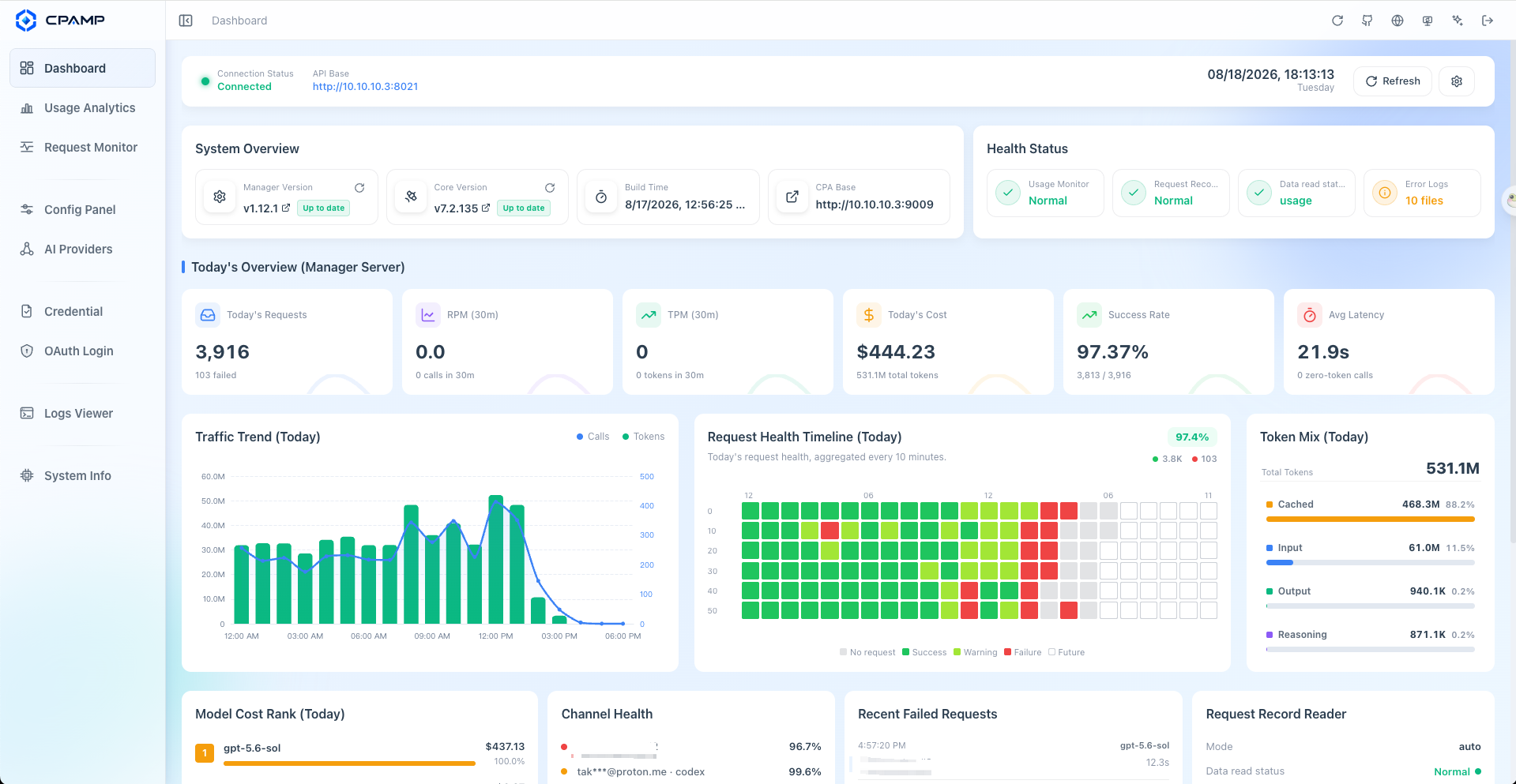
Use Dashboard to spot a problem, then investigate failures, cost, and account health.
Upgrade and back up safely, then troubleshoot monitoring, login, or network problems by symptom.
Keep your existing CPA and replace only the management UI, with no additional service, database, or port.
Install Lightweight PanelUse request history, cost analytics, account inspection, and automation through Docker or a native package.
Docker Deployment (Recommended)Native Package DeploymentThe Live Demo only previews the interface with fictional data. It is not a deployment or runtime mode and cannot connect to, manage, or monitor a real CPA instance.